GaN Chargers Explained: Half the Size, All the Power
Gallium nitride quietly rewrote the rules of charging. Here's what actually changed, and the wattage you need for the devices you already own.
By Elena Petrova8 min read
On this page
For a decade, the charger was the least interesting object in your bag and the most annoying: a heavy brick that half-filled a carry-on and warmed your desk like a space heater. Gallium nitride — GaN — changed the physics, and the result has been quietly rewriting what we carry. The short version: the same power in half the size, with less heat. The longer version is worth understanding before you buy one.
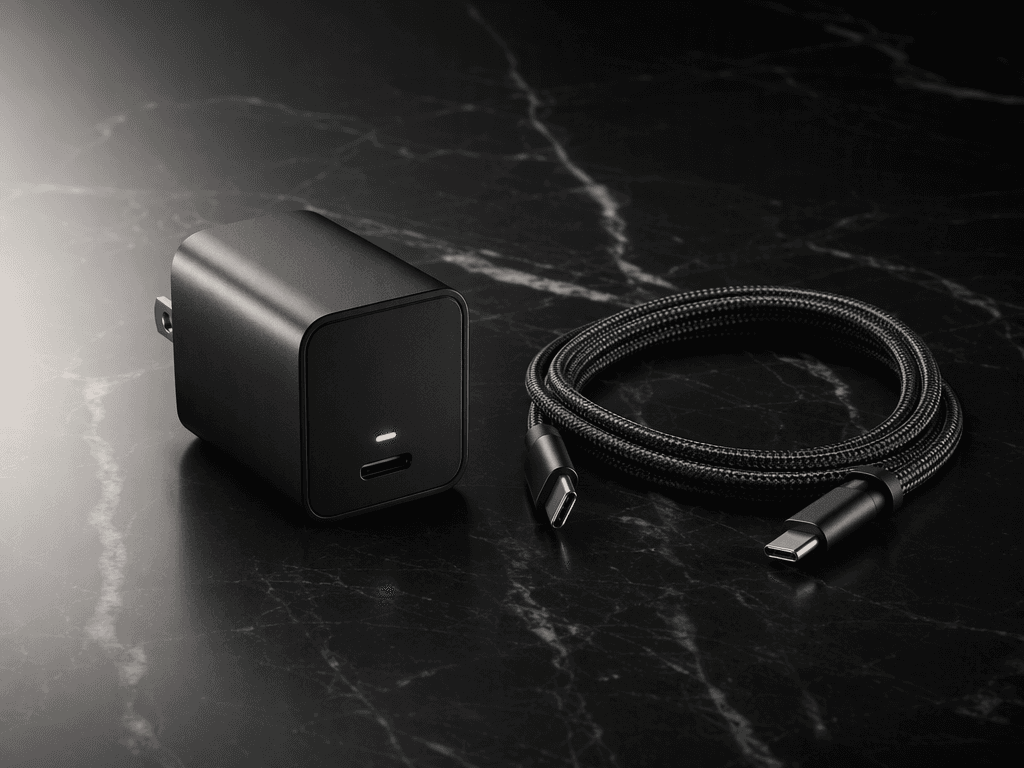
A traditional charger moves power through silicon switches that can only switch so fast before they waste energy as heat. GaN switches run faster, lose less, and waste almost none of it as warmth. Engineers use the recovered efficiency to shrink everything around them: the capacitors, the transformer, the case. That is why a 65-watt GaN brick is now smaller than the 18-watt brick that came with your phone four years ago.
The Wattage You Actually Need
Phone owners: thirty watts is the sweet spot, and sixty-five buys you headroom for a tablet or a light laptop. Laptop owners should match their original adapter's wattage — a 100-watt brick runs an ultrabook at full speed, and dual-port models let you charge the laptop and phone from one outlet at once. Above 100 watts you enter diminishing returns for travel; below 30, you will feel the wait.
Ignore the megawatt marketing on some boxes. A charger's label is a ceiling, not a promise — your device negotiates the actual rate, and a phone that tops out at 27 watts will draw 27 watts from a 140-watt brick. Buy for the ports and the size, not the biggest number on the box.
The Ports Question
Two USB-C ports is the practical minimum for travel: laptop and phone, or phone and earbuds, without a rotation schedule. Splitting power between ports costs you roughly a third of peak speed on most models — fine overnight, noticeable when you are late for a gate. Look for clear per-port labeling on the housing; the good ones print the split wattages right on the case because they are proud of them.
What to Look For Before You Buy
Certification is the whole game in a market full of lookalikes. USB-IF certification for the ports, and for anything above 45 watts, a cable rated for the current — the brick is only half the chain. A folding plug is worth a few dollars for bag life alone. And treat no-name brands with ninety-watt claims and no certifications as what they are: a fire risk with a USB port.
Written by
Elena Petrova
Charging & Power Writer
Elena covers charging standards, batteries, and the small accessories that quietly improve daily life. She has never met a cable she didn't want to replace.