Tablet Battery Dying Early? Replace It Yourself in About an Hour
Tablets age on their batteries, not their chips. A step-by-step guide to a swap that adds years of life — including the two mistakes that crack screens.
By Priya Nair12 min read
On this page
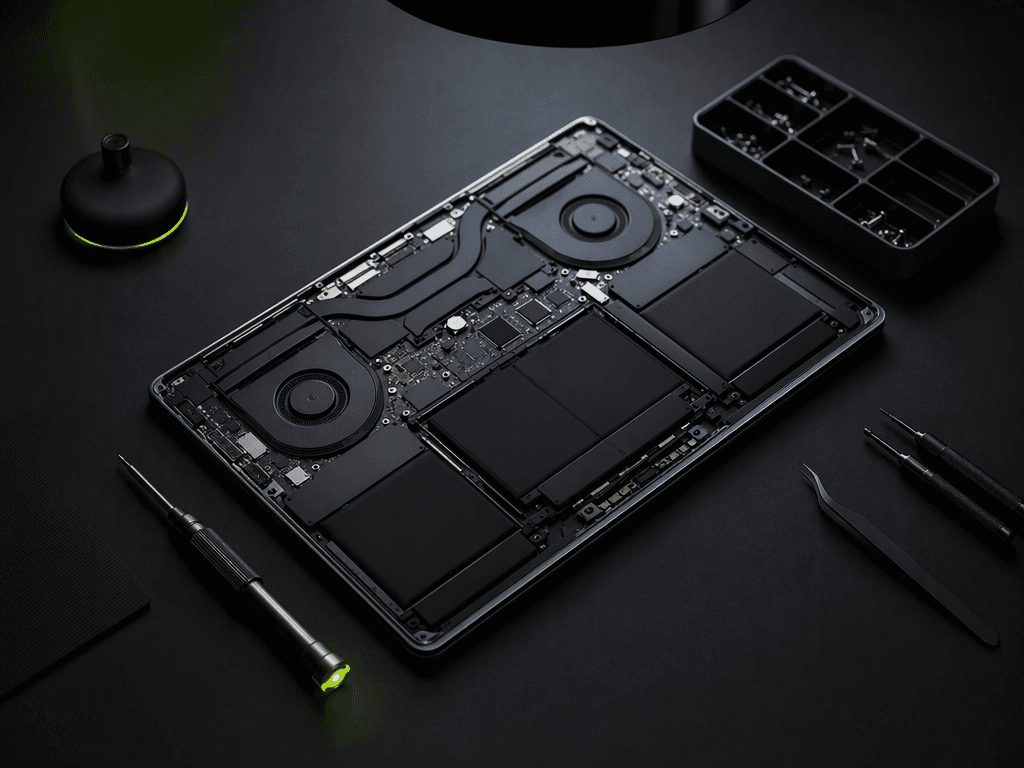
Tablets do not die the way phones die. There is no dramatic shatter, no drowned circuit — there is just a battery that once lasted a transatlantic flight and now barely survives a transatlantic movie, and a device that is otherwise exactly as good as the day you bought it. Battery swap is the single highest-value repair in consumer electronics, and on most tablets it is firmly within the reach of a careful afternoon.
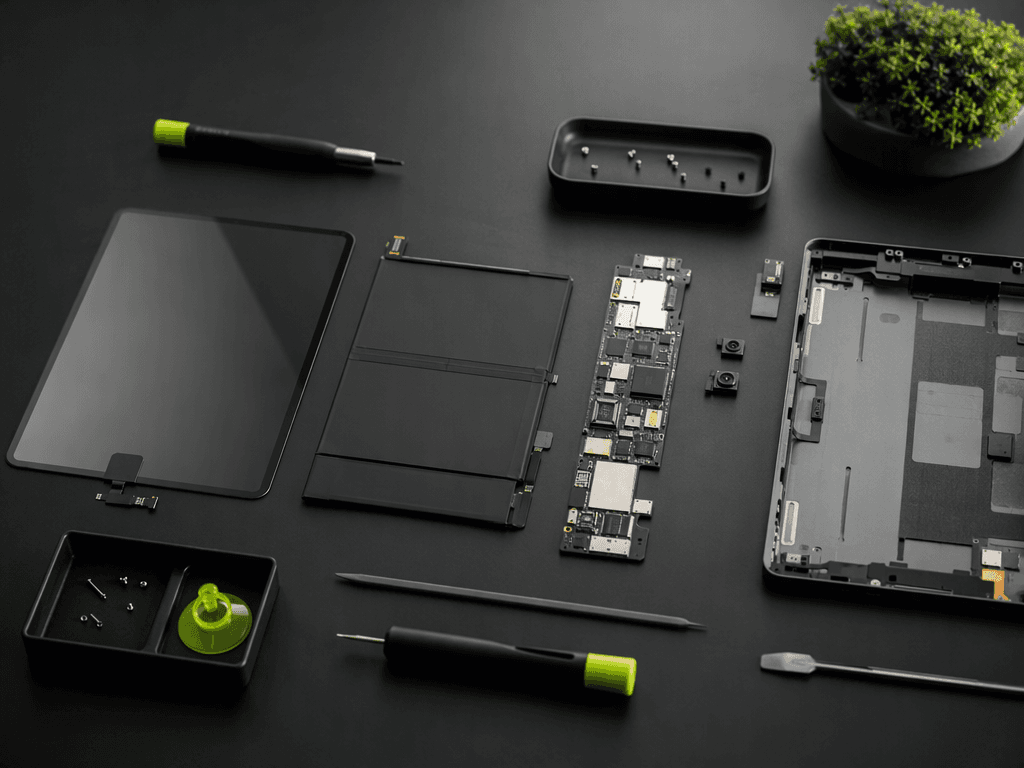
This guide covers the universal procedure — the sequence is nearly identical across brands, even as the adhesives differ — with the two mistakes that crack screens called out before you can make them. Budget ninety minutes the first time. The second tablet goes faster.
Before You Open Anything
Confirm the battery is actually the problem. A tablet that drains overnight in standby is often a software rogue, not a chemistry failure; check the battery health in settings first. Then gather the real prerequisites: a proper plastic pick set, a heat pad or hair dryer, isopropyl alcohol, and a replacement battery from a supplier who prints a manufacture date on the cell. Batteries sitting in warehouses for two years arrive already aged — a fresh cell is the entire point of the exercise.
Mistake One: Rushing the Open
The screen is held by adhesive that softens with patience and punishes haste. Apply gentle heat along one edge for a full two minutes — the glue should yield to a plastic pick with mild pressure. If it fights, heat more; never pry harder. The flex cables for the display live within two millimeters of the gap your pick is working, and a metal tool or an impatient twist converts a battery swap into a screen replacement. This is where a third of first-timers end their project.
Mistake Two: The Battery Pull
The old cell is also glued, and bent lithium-polymer cells puncture, vent, and occasionally ignite. Never lever against the cell itself, never fold it past thirty degrees, and never use a metal blade to free it. Work a plastic card under the adhesive with a few drops of isopropyl — the alcohol weakens the glue without attacking the surrounding plastics — and let the battery come away flat. If a cell is already swollen, stop. Swollen batteries go to a shop; that is not a beginner scenario under any guide.
The Reassembly Rules
Seat the new battery before reconnecting anything, route its cable exactly as the old one ran, and run a full charge-discharge cycle before judging capacity — the fuel gauge needs one calibration cycle to read the new cell honestly. Reseal with fresh double-sided adhesive tape cut for your model, not a bead of generic glue; someday, someone will open this tablet again, and it should be as kind to them as you wished the factory had been to you.
Total cost for our test unit: a thirty-nine dollar battery, an afternoon, and one properly earned sense of victory. Total result: a tablet that charges like new and will now honestly outlast the airline's entertainment system. The landfill's loss.
Written by
Priya Nair
Repairs Editor
Priya spent seven years on a professional repair bench before joining Cobravolt. Every Tech Fix guide is written so you don't have to repeat her mistakes.